pebl quick start
Five steps to your first reaction
1
Plug in
Connect via USB-C. The display powers on and shows a WiFi setup screen.
2
Connect to WiFi
Scan the QR code on the display with your phone to connect, then open Settings › WiFi — a setup page will appear where you enter your WiFi credentials.
3
Install the app
Add pebl to your Slack workspace or Discord server at pebl.ink/connect.
4
Pair your device
The display shows a code like ABCD-1234. Open Slack → App Home → "Link Device" and enter it. For Discord, run /link.
5
You're done
Add a reaction in Slack or Discord — it appears on the display instantly. Hold BOOT to add another platform.
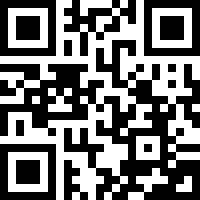
pebl.ink/setup Full setup guide
Need help? Visit pebl.ink/support